Interface · Decision Flow
Captured From Live Build
Screens & Human Decision Points
Every point in the game loop where the simulation halts to wait for human agency. These frames
are captured directly from tests/ui_shot_match.gd, walking the live Godot engine session to every prompt.
scenes/*.tscn · src/app/match_scene.gd · src/app/menu.gd · src/app/setup.gd · src/ui/dd_theme.gd
Screenshot Generation Harness: To regenerate the 1920×1080 capture suite after any UI change, execute:
DD_SHOT_DIR=Docs/assets/shots /Applications/Godot.app/Contents/MacOS/Godot \
  --path . --resolution 1920x1080 --position 4000,4000 -s res://tests/ui_shot_match.gd
Title Screen — scenes/menu.tscn
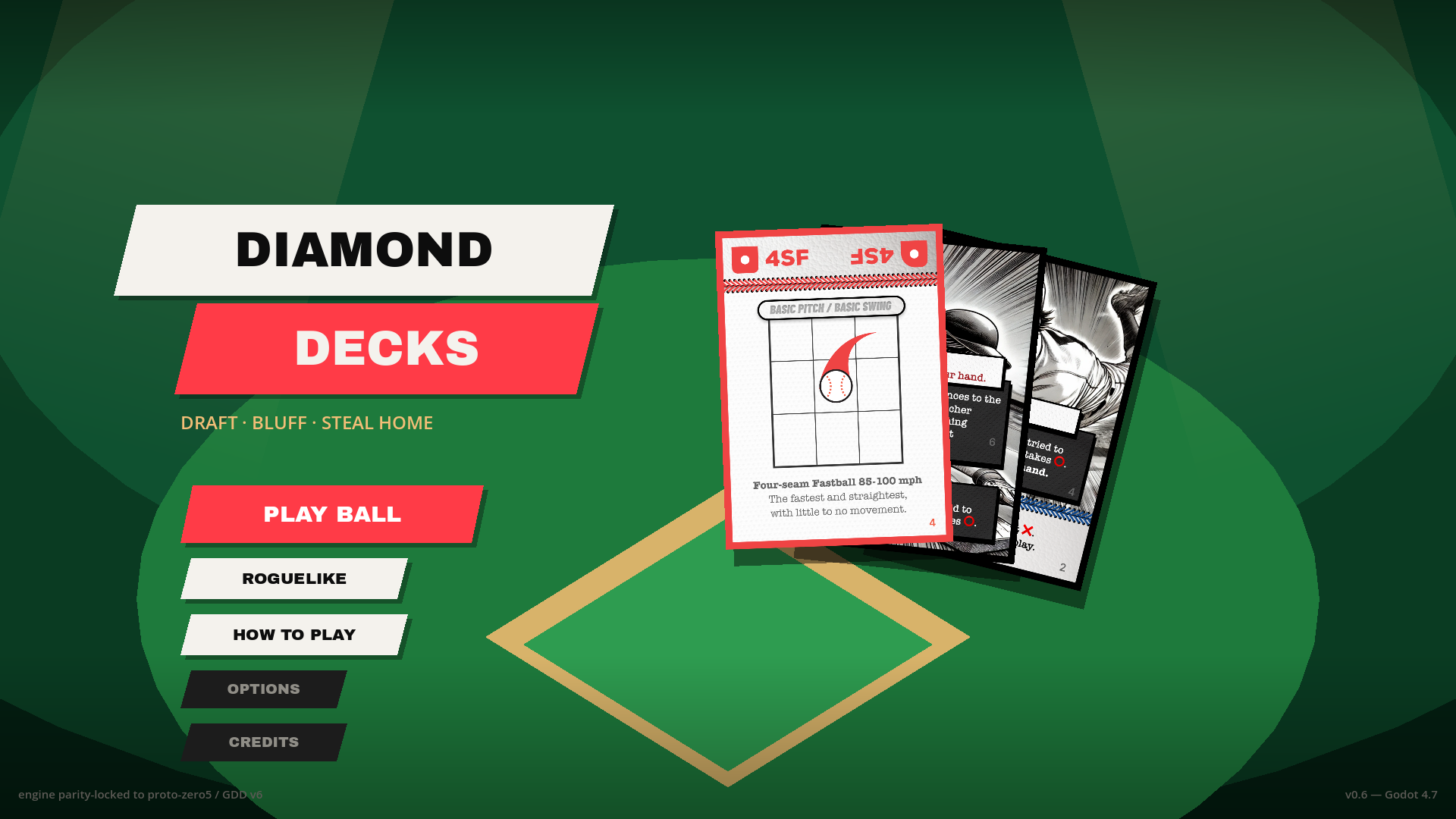
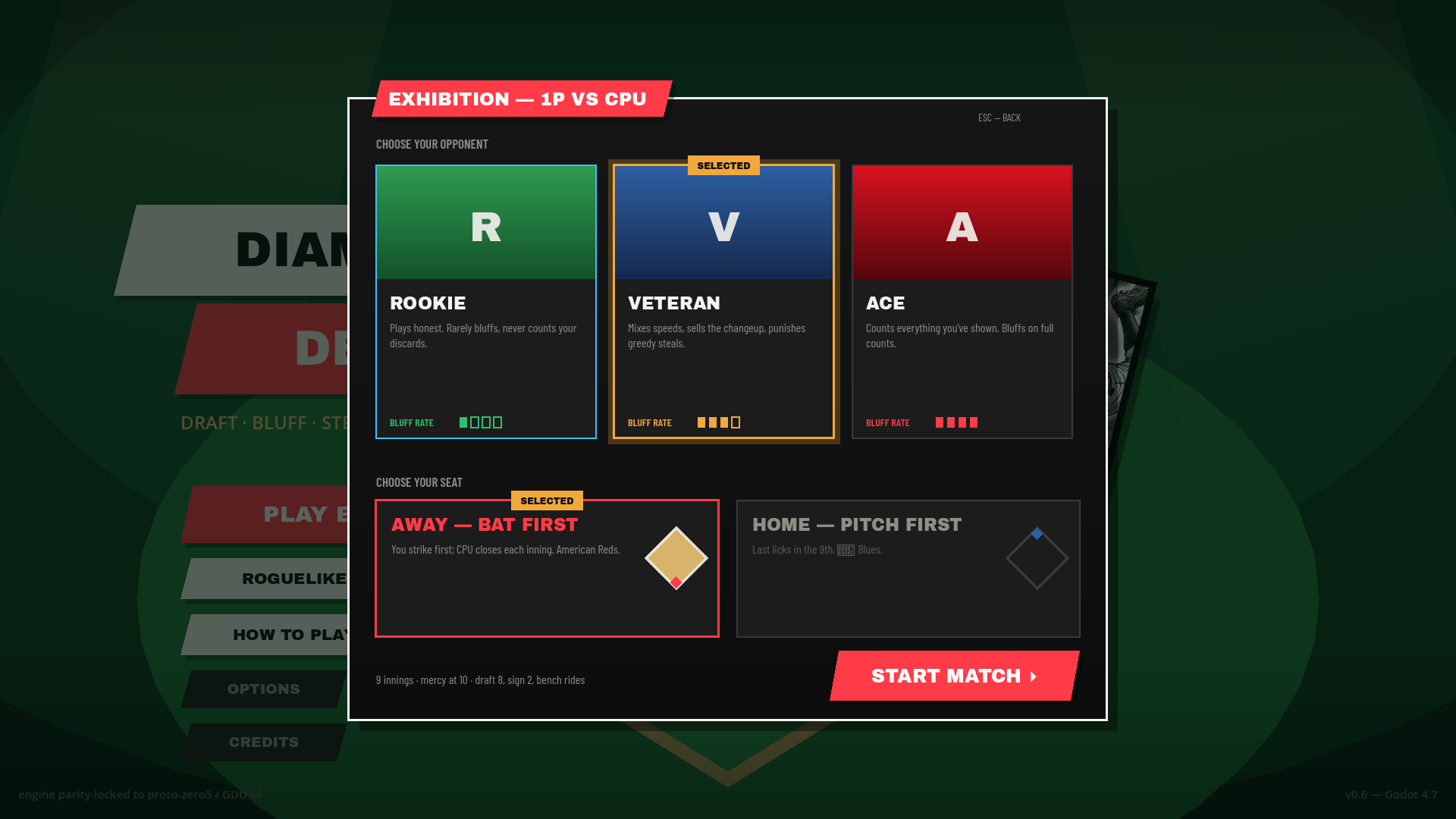
foil.gdshader. PLAY BALL is the lone crimson button to anchor visual hierarchy.Match Setup Modal — scenes/setup.tscn
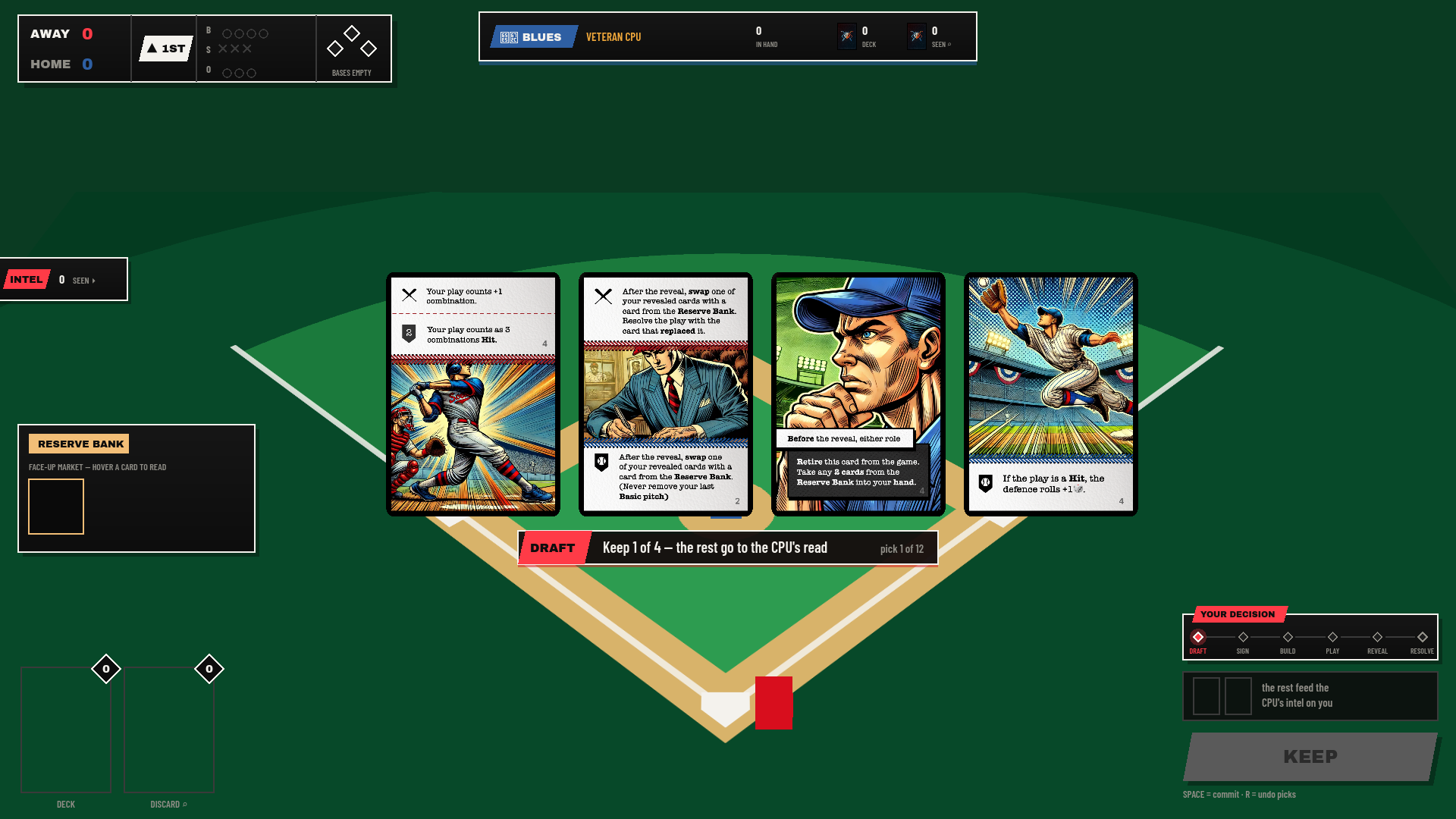
Draft Phase — Pick 1 of 4
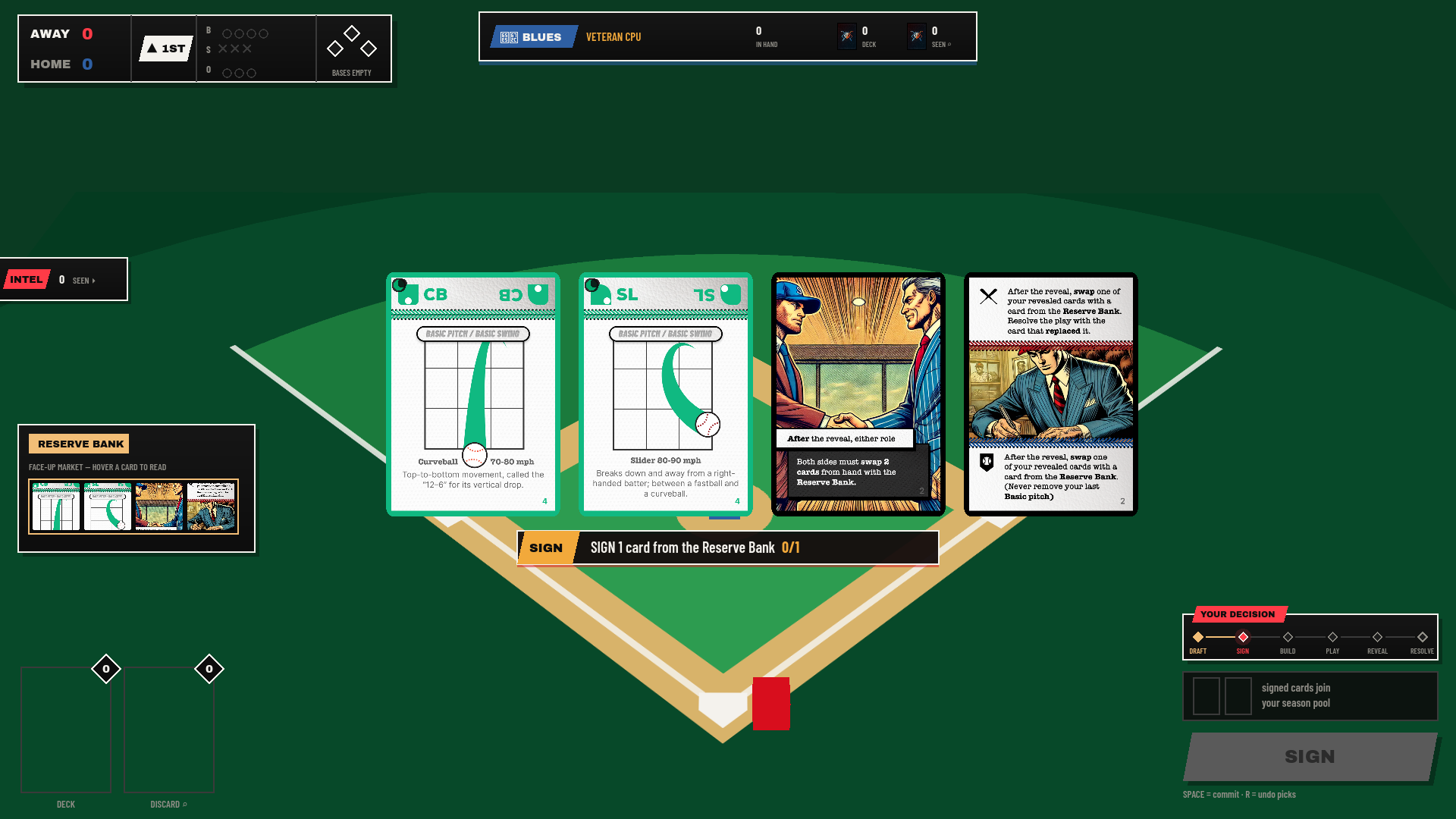
Sign Phase — Reserve Bank Acquisition
Build Phase — Allocation & The Mill
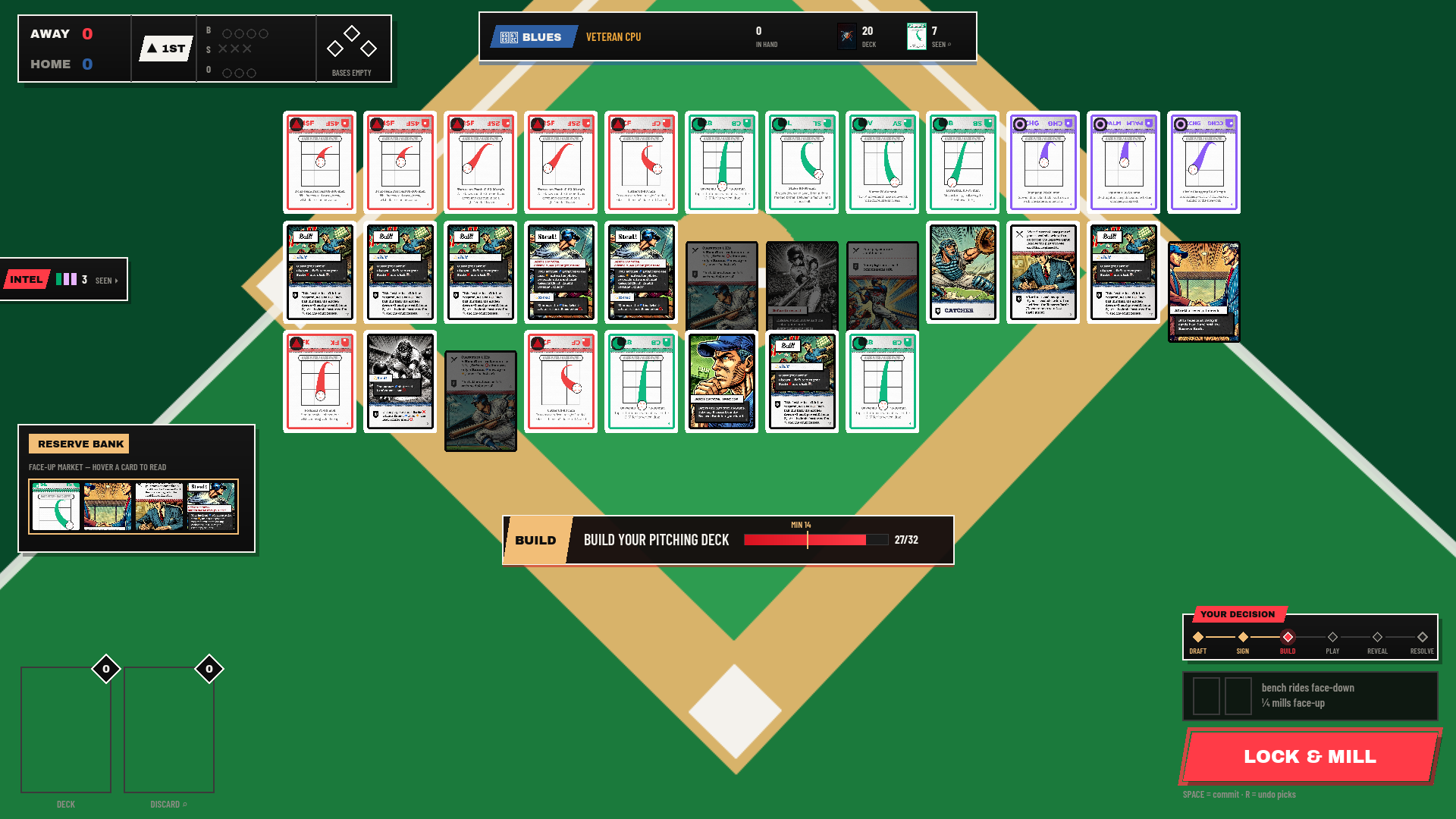
30/32 count. The action button reads LOCK & MILL to communicate consequence.Play Phase — Core Match Engagement
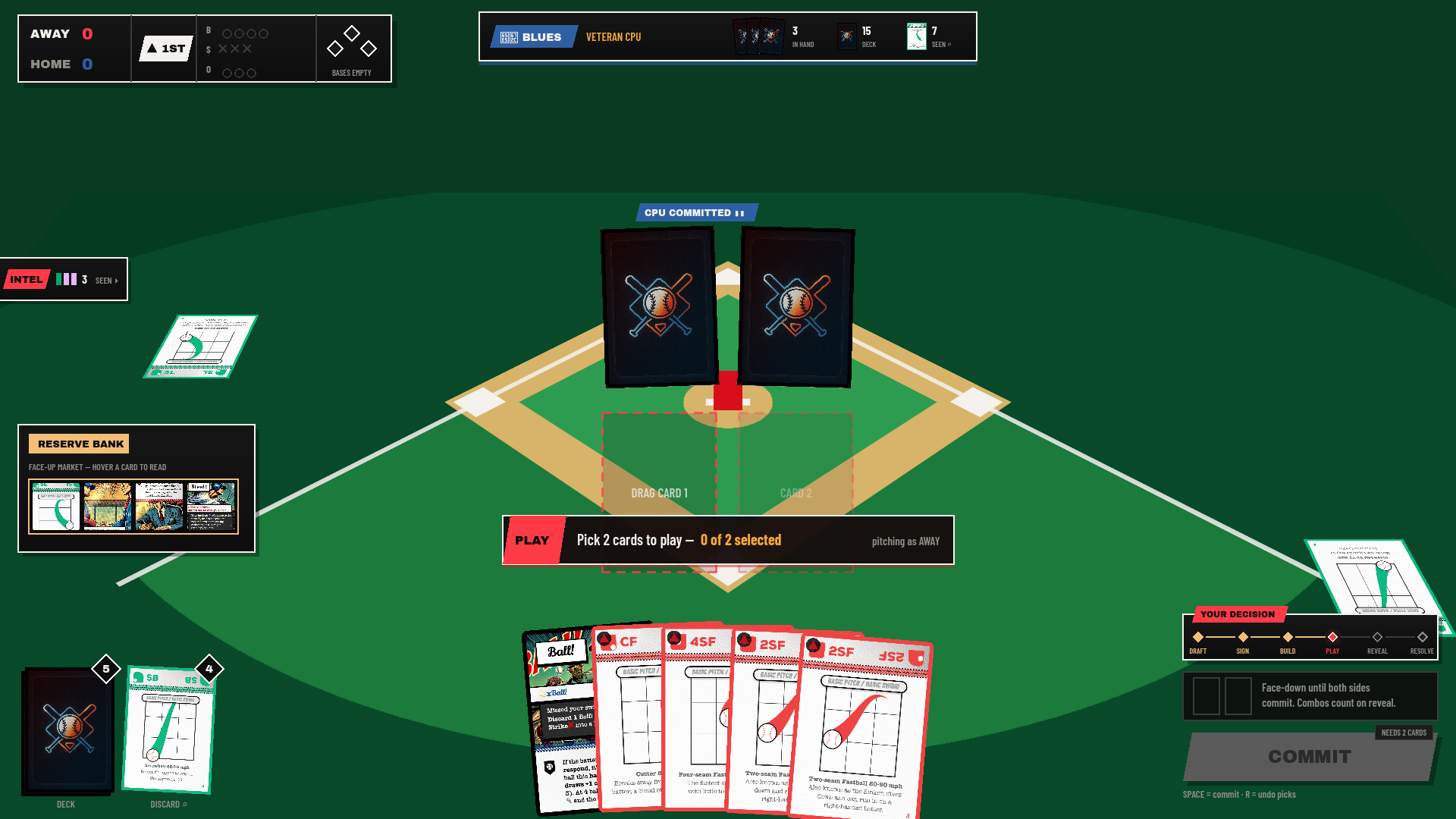
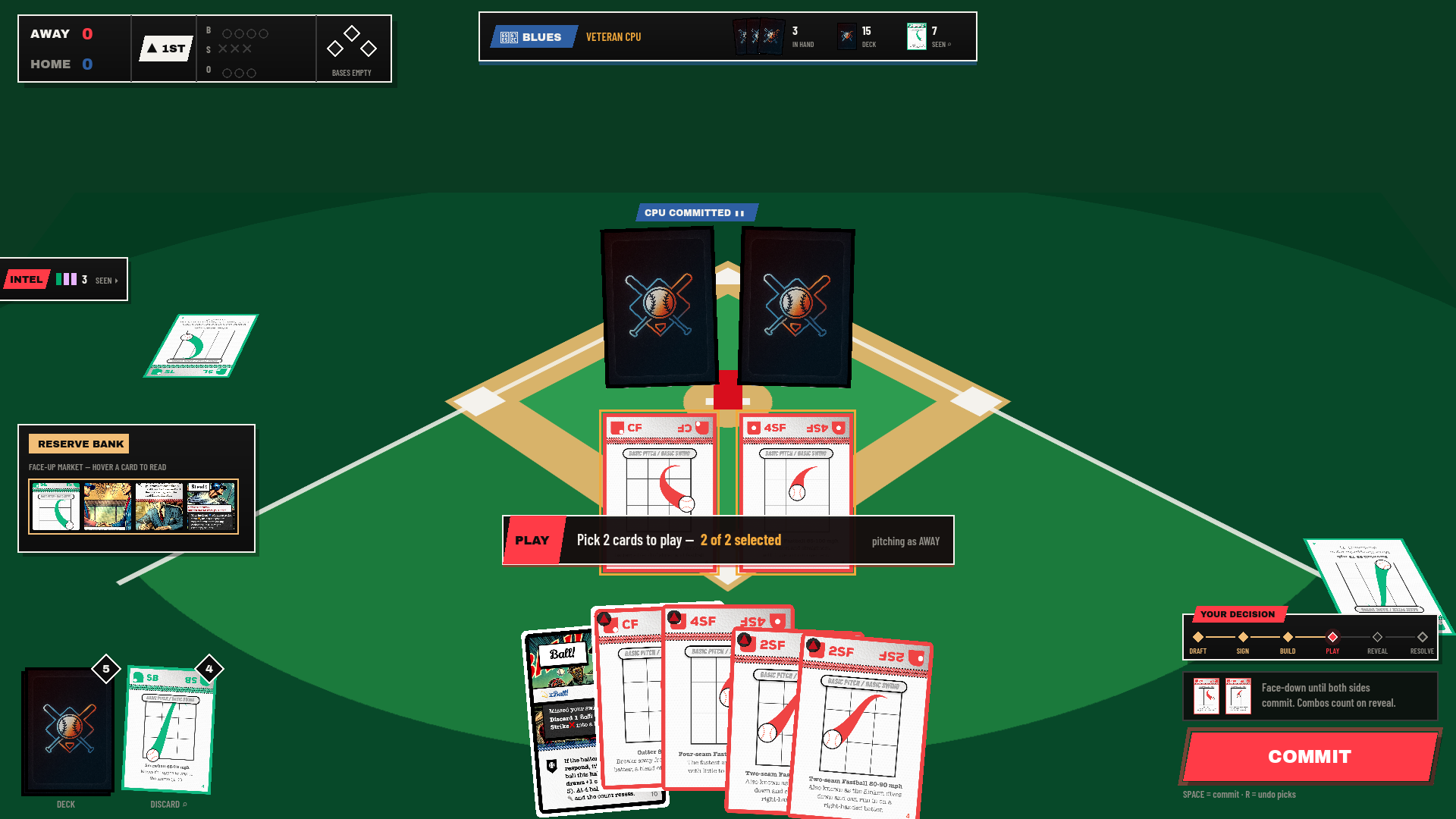
Interrupt Phase — Tactical Steal Response
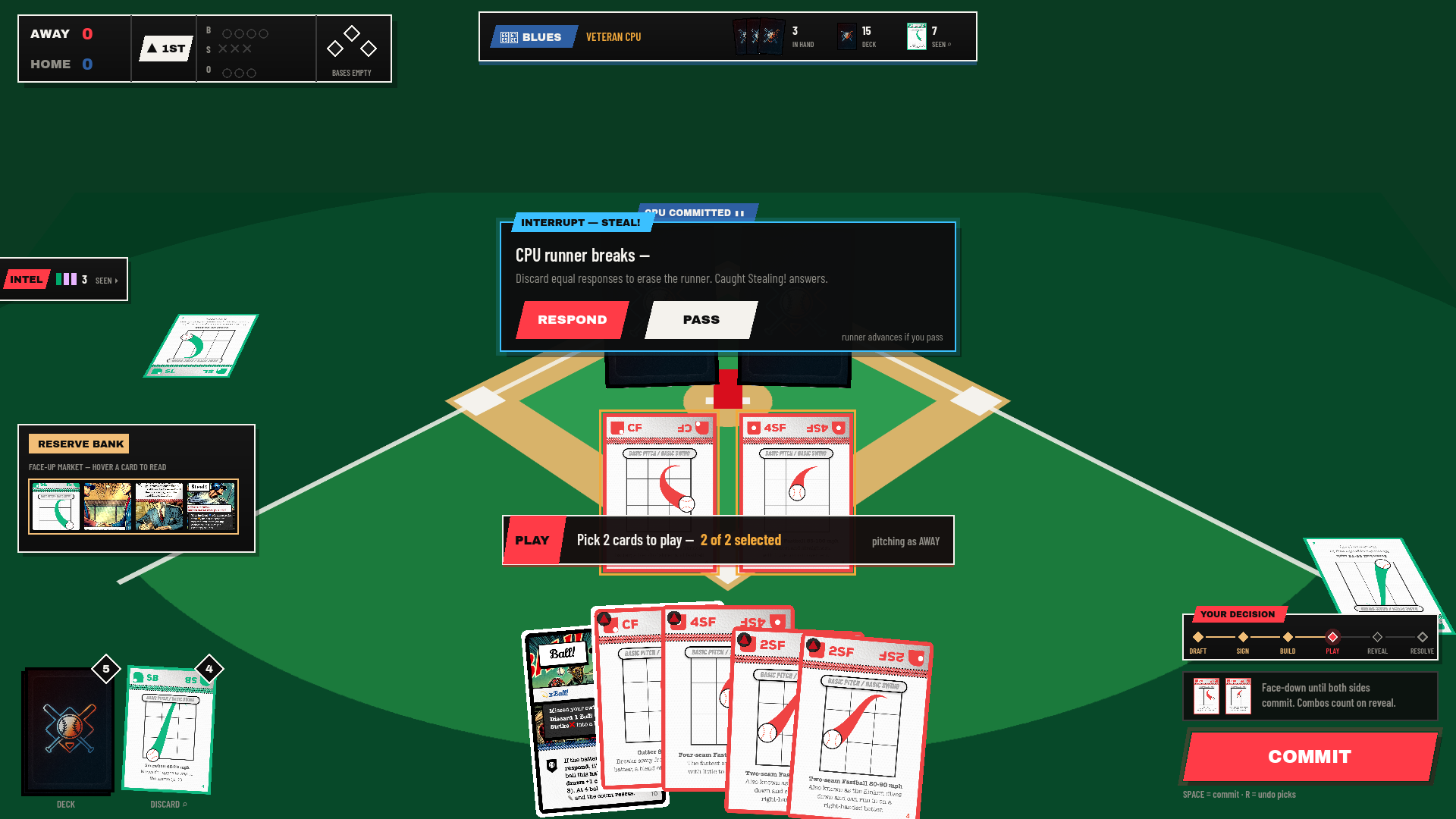
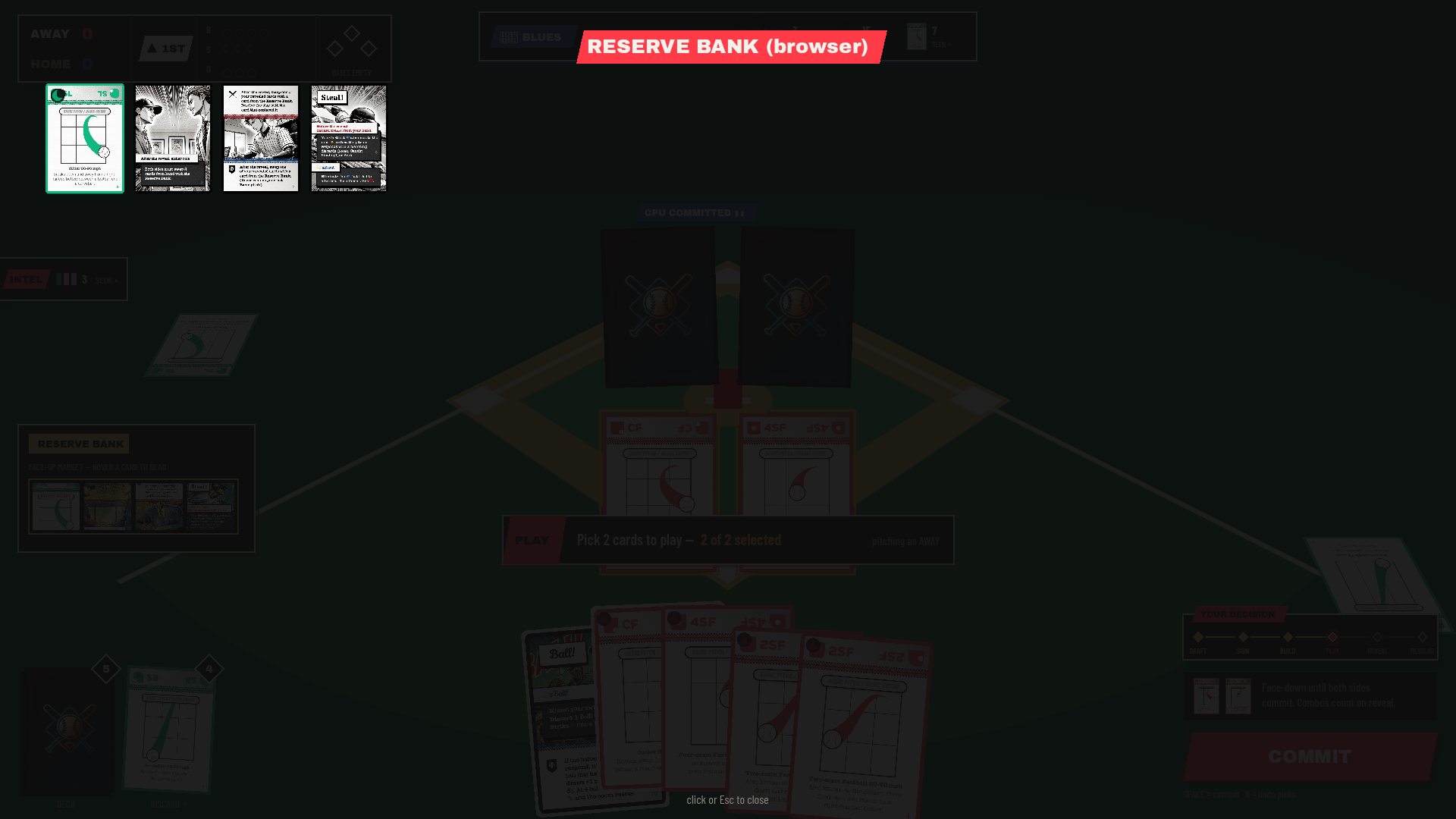
Public Zone Browser
Universal Screen Principles
- One Prompt, One Anchor: The prompt pill directly above the player's hand holds the single authoritative instruction.
- Static Action Anchor: The COMMIT button never changes position or size across any phase.
- Color-Coded Phase System: Crimson for Play/Draft, Amber for Sign/Build, Cyan for Interrupts, Blue for Defense.